
Gradients & Overlays
Spice up your site’s design by adding background, overlay, and text gradients to any element. When editing an element, the Gradients & Overlays control group is under the Style tab.
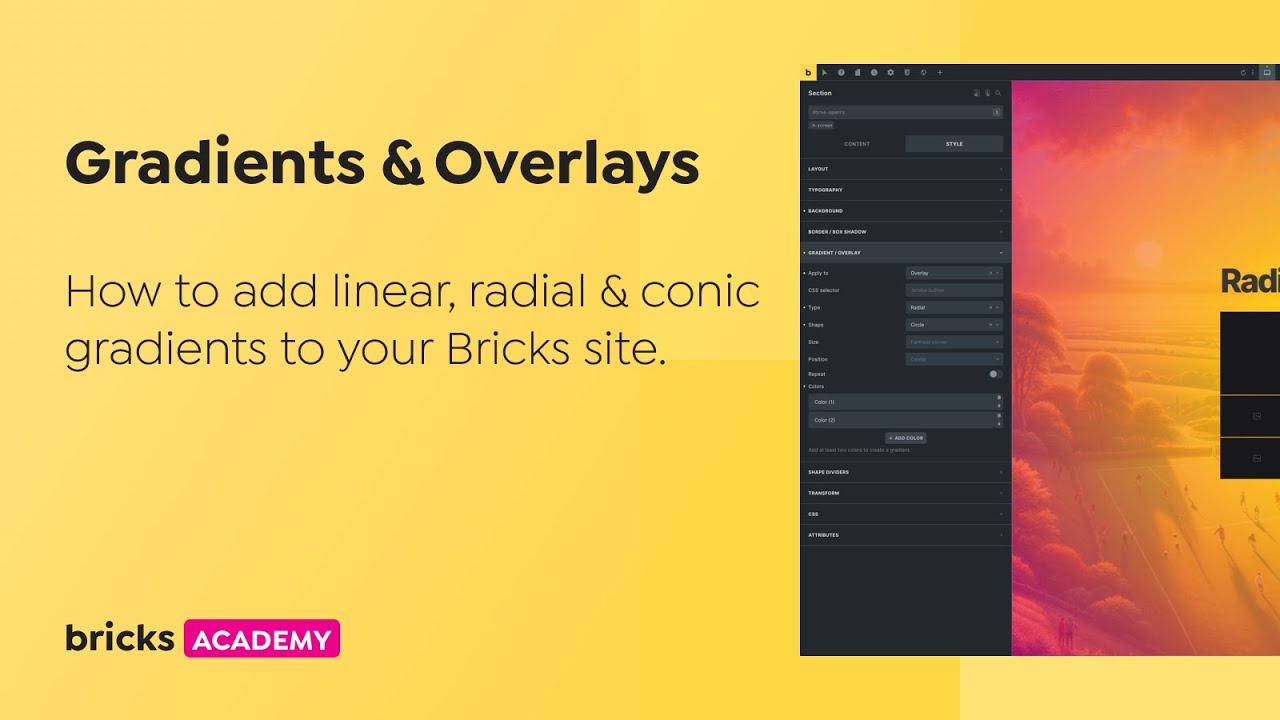
Available controls:
Section titled “Available controls:”- Apply to: Select the type of content you want to add a gradient to (text, background, overlay).
- CSS selector: To target a specific HTML within an element.
- Colors: Add at least two colors to see a gradient. When you apply the gradient to an overlay make sure to reduce the color transparency in order to see through it.
- Type: Choose the gradient type—linear, radial, or conic.
- Repeat (since 1.9.4): Allows the gradient to repeat across the element. Define ‘stops’ to control the transition points of each color, using units like percentages or pixels.
Linear gradient controls:
Section titled “Linear gradient controls:”- Angle in °: Set a specific angle for your linear gradient between 0 to 360°.
Radial gradient controls:
Section titled “Radial gradient controls:”- Shape: Choose between ‘circle’ or ‘ellipse’.
- Size: Select from ‘closest-side’, ‘farthest-side’, ‘closest-corner’, ‘farthest-corner’. For details on these settings, see the Mozilla Documentation.
- Position: Define the central point of the gradient.
Conic gradient controls:
Section titled “Conic gradient controls:”- Starting angle in °: Specify the starting angle of the gradient between 0 to 360°.
- Position: Set the gradient’s center.
Was this helpful?
A quick vote and short notes help us improve these docs faster.
Leave a note for us
Please do not include passwords, license keys, or personal data. We store submitted notes to improve the docs.
Thanks for sharing feedback. We're using it to improve these docs.